 0110 credits
Kitchen Planner
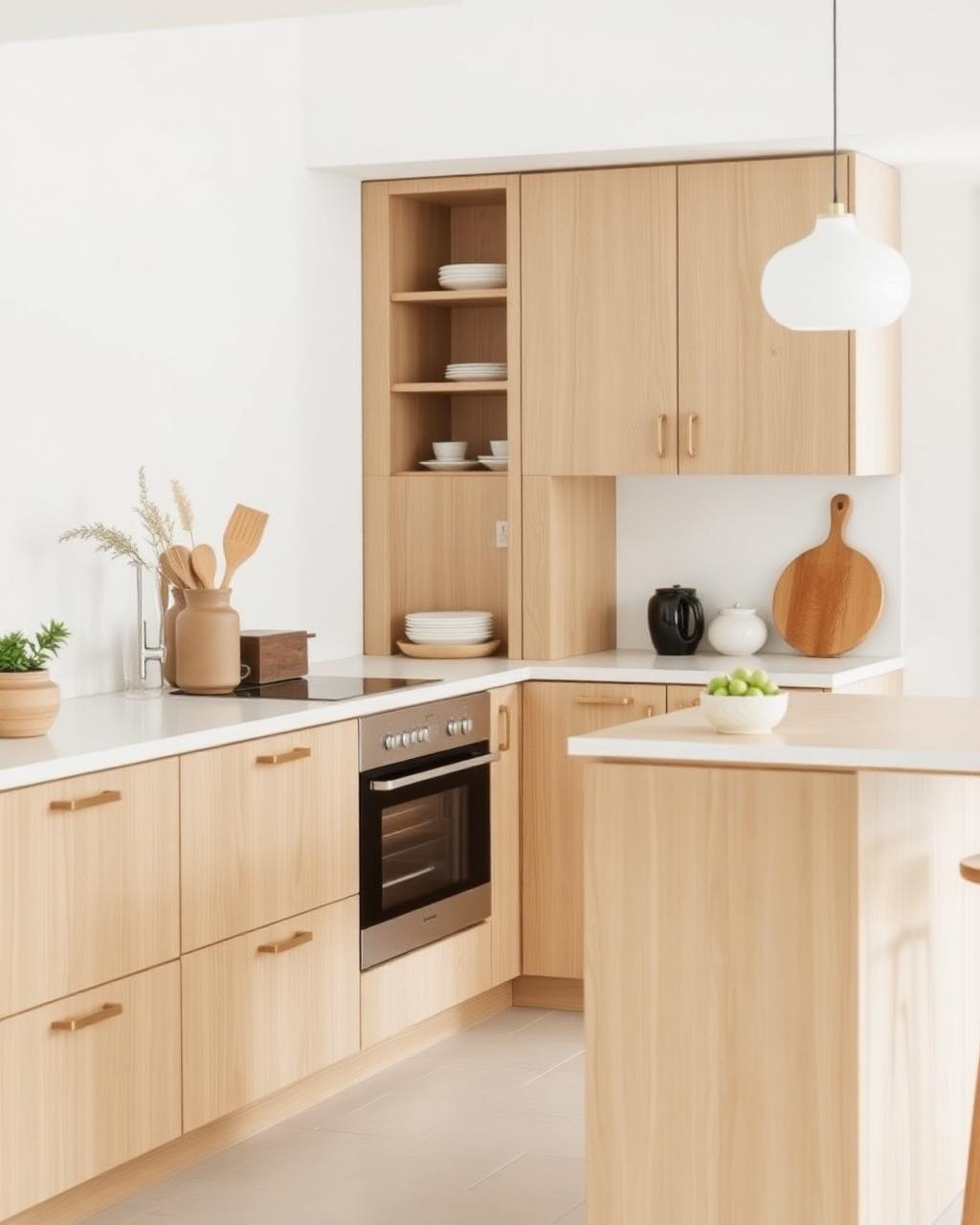
Configure your future kitchen step by step — layout, style, materials, lighting.
- 8-step configurator
- Live design summary
- Save projects
10 credits / useOpen tool →
Six premium tools for planning and visualization. Every service uses AI Kitchen Credits.
0110 creditsConfigure your future kitchen step by step — layout, style, materials, lighting.
 0212 credits
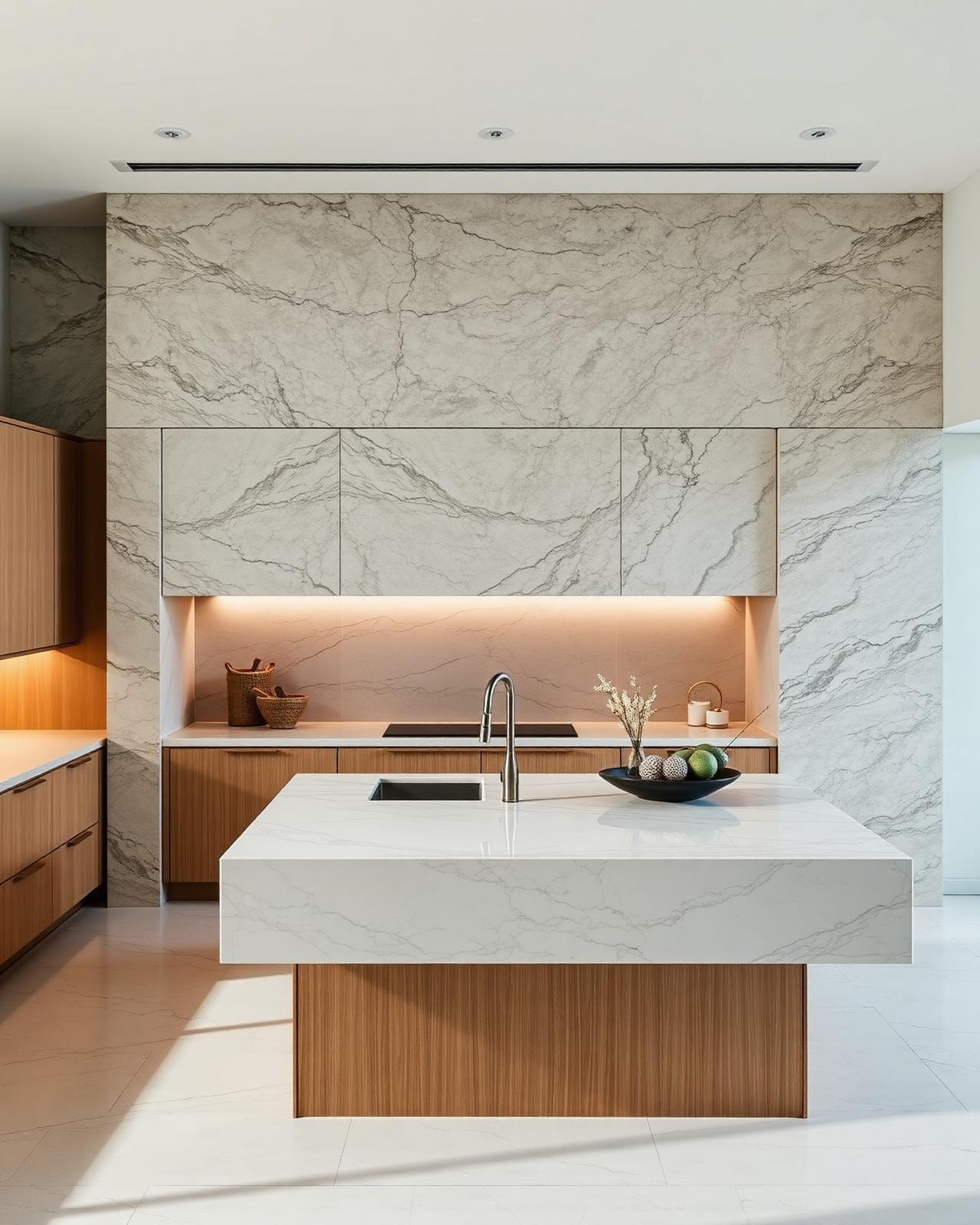
Browse the full materials library — cabinets, stones, backsplashes, flooring.
 0315 credits
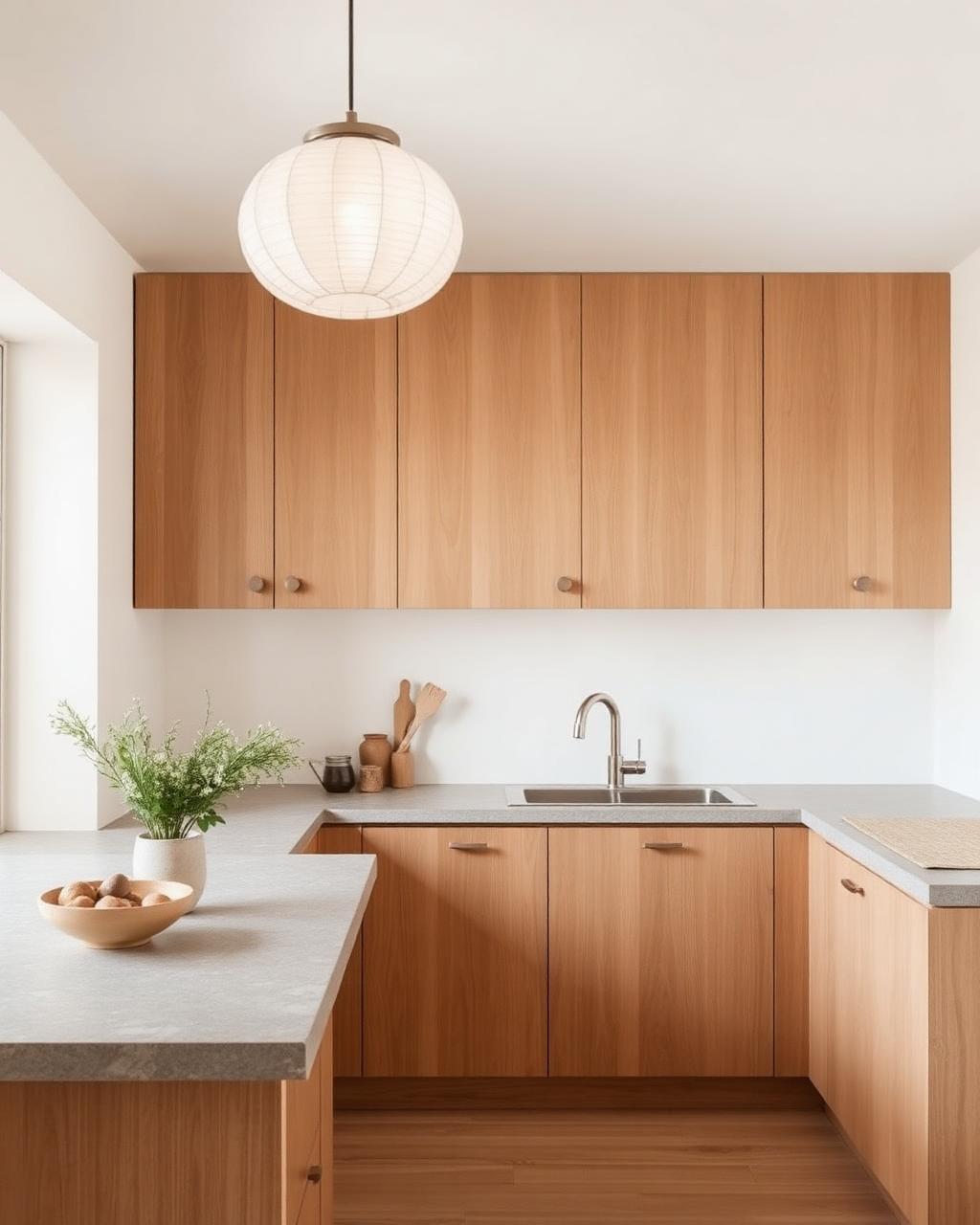
Compare cabinet families side by side, from white oak to matte black.
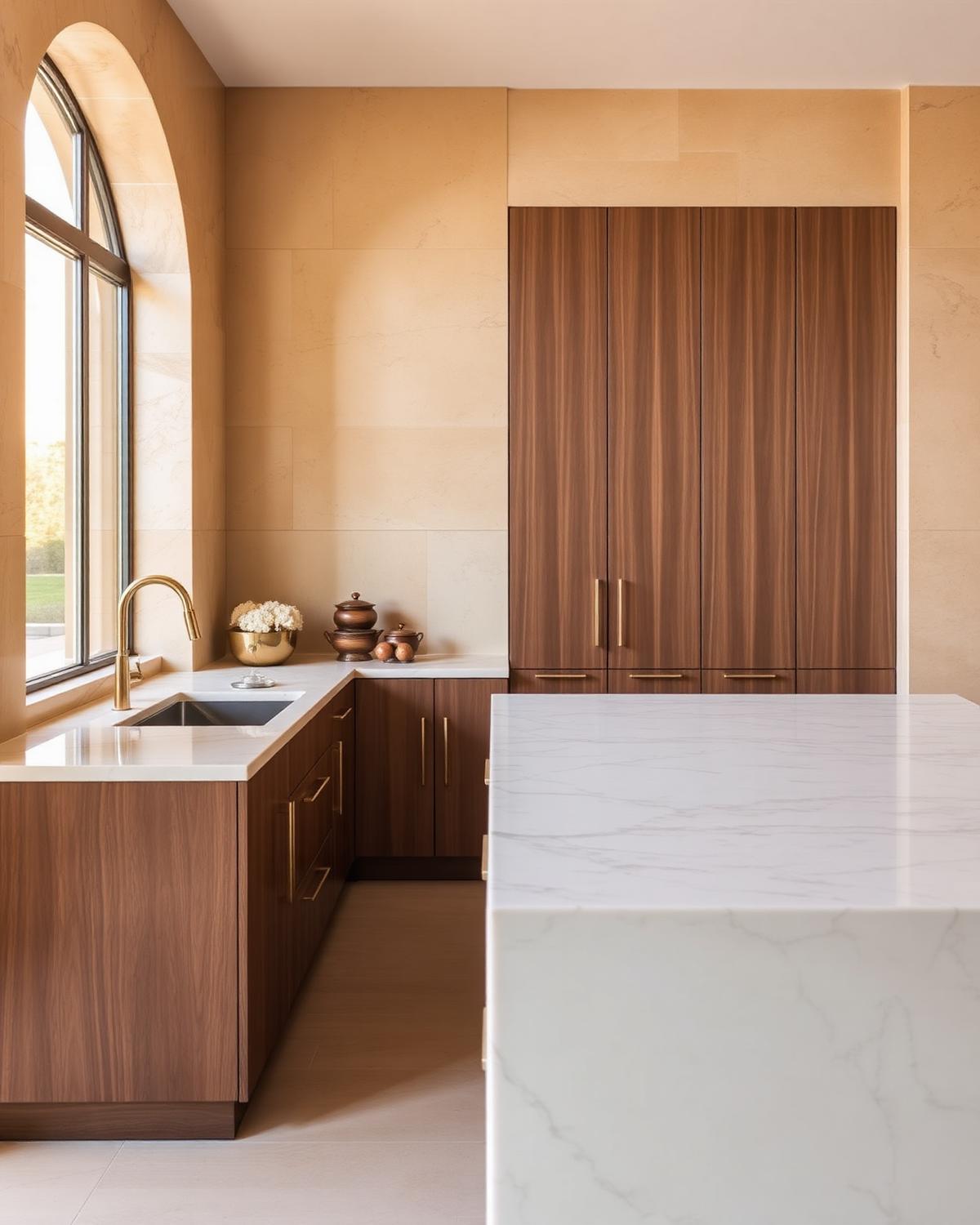 0418 credits
Curated stone and surface library — from Calacatta marble to soapstone.
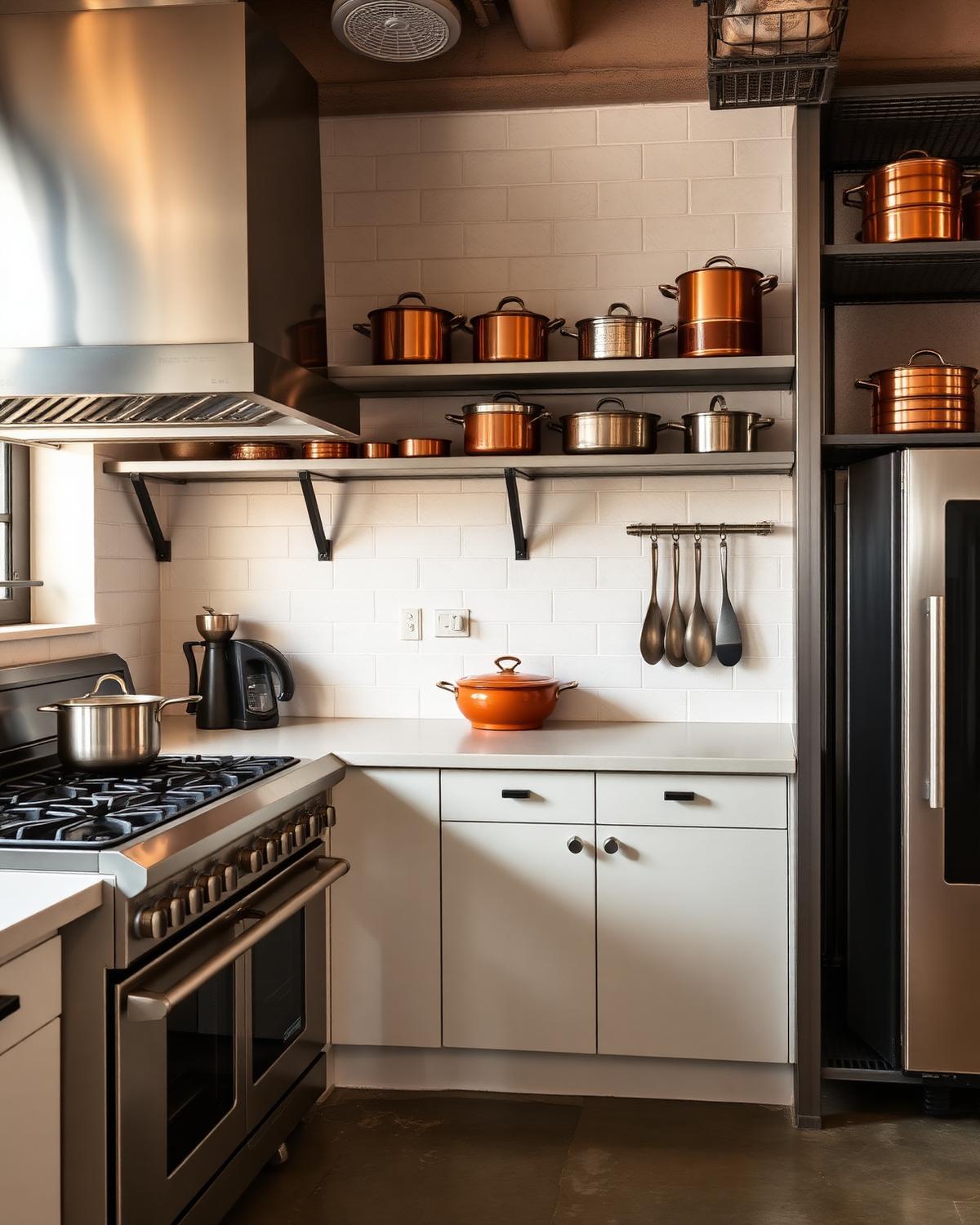 0520 credits
Ten collections drawn from the world's finest kitchen studios.
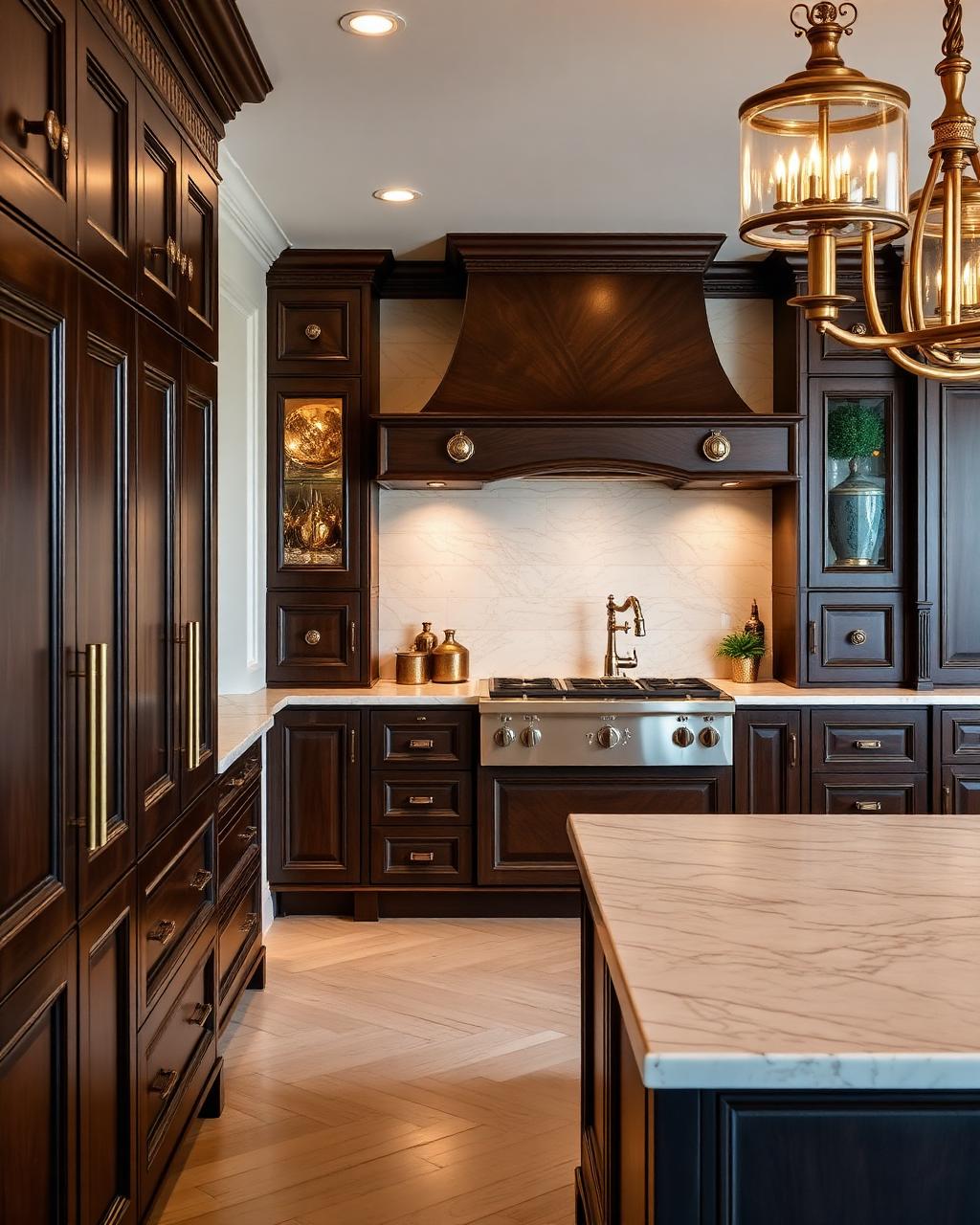 0625 credits
Turn your finished plan into a photoreal render — trade-ready 4K files.
Powered by AI
You plan the kitchen — layout, materials, lighting. AI turns that plan into photoreal, trade-ready imagery.
Frequently asked
Everything about credits, currencies, renders and how to bring your kitchen ideas to life with AI Kitchen Studio.
Credits are a one-time purchase. Each AI visualization uses about 10 credits. Configuring layouts, materials and styles is always free — credits only apply to final AI renderings.
Never. Your credits stay in your studio account for as long as you need them. No subscription, no monthly fee, no trial period.
Prices are shown in EUR by default and can be switched to USD, GBP or PLN from the header. Conversion uses mid-market rates and is auto-applied at checkout.
Yes. Every render you generate is yours — usable for renovation briefs, architects, contractors and portfolio work at 4K resolution.
Renders are photoreal and trade-ready. They preserve your chosen layout, materials, hardware and lighting so the final result matches what a fabricator would build.
No. The studio walks you through layout, style, cabinets, countertops and lighting step by step, with editorial references and curated collections.